HoloGraphic: bringing the control room to the machines
In 2017 I explored how a HoloLens could carry the information of a control room out to the factory floor, and place it on top of the machines it belongs to.
In 2017, during a four-month pre-study at SICS Västerås (today RISE), I explored what a mixed-reality headset like Microsoft HoloLens could bring to the people who work next to the machines.
The information stays in the control room
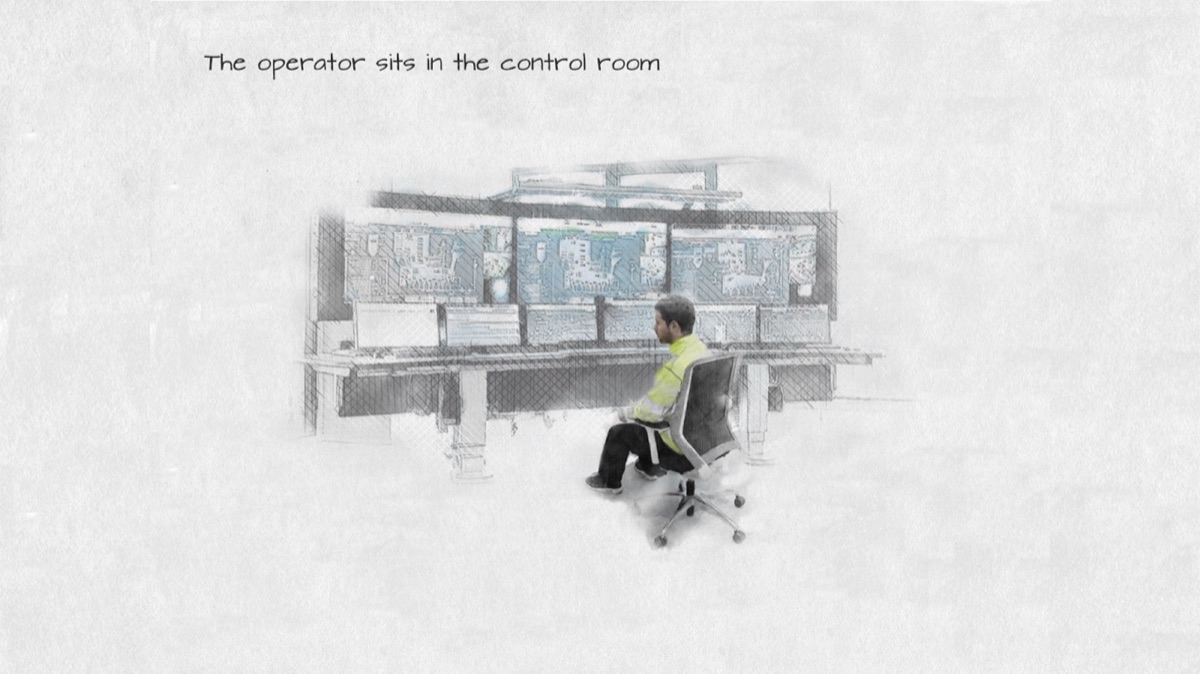
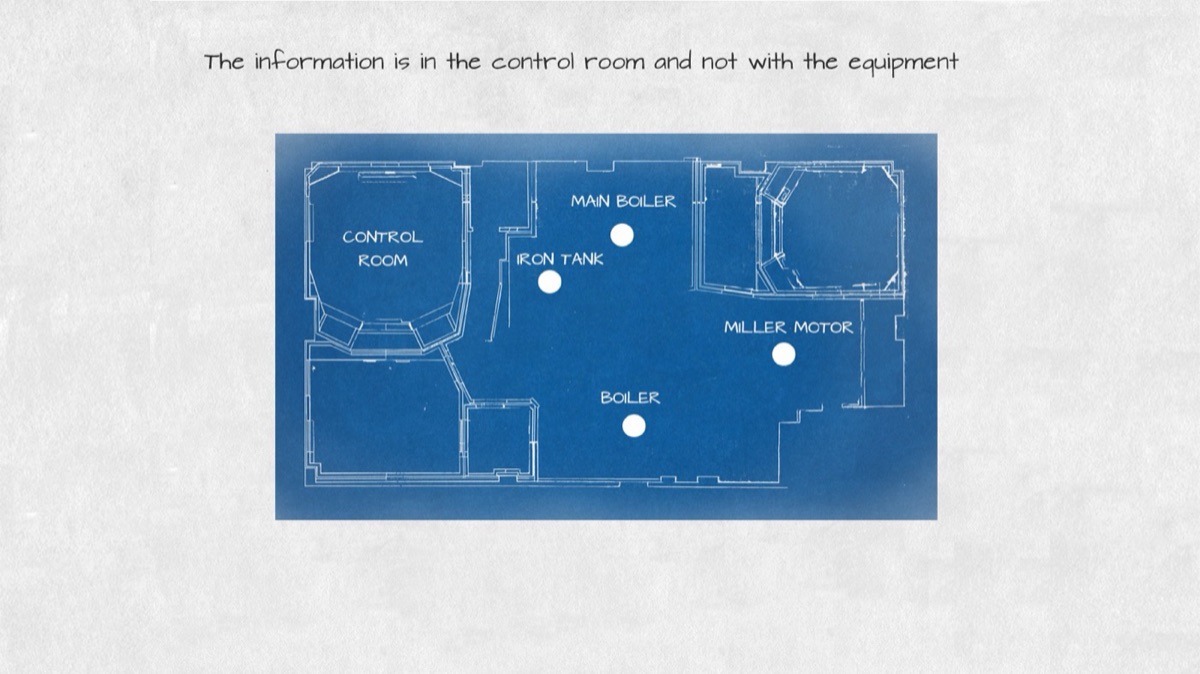
In a process plant, everything you need to know about a machine lives on the screens of the control room: its temperature, its pressure, its alarms. But the work happens out on the floor, next to the equipment. Operators and technicians in the field have little of that information with them.
The pre-study had four goals:
- Bring the information found in the control room to the plant, where the equipment is.
- Let operators see the digital information of each process on top of the real equipment.
- Improve safety with reminders based on location, so people know which safety measures to take where they are.
- Find out how ready HoloLens technology really was for industry.
A walk through the plant
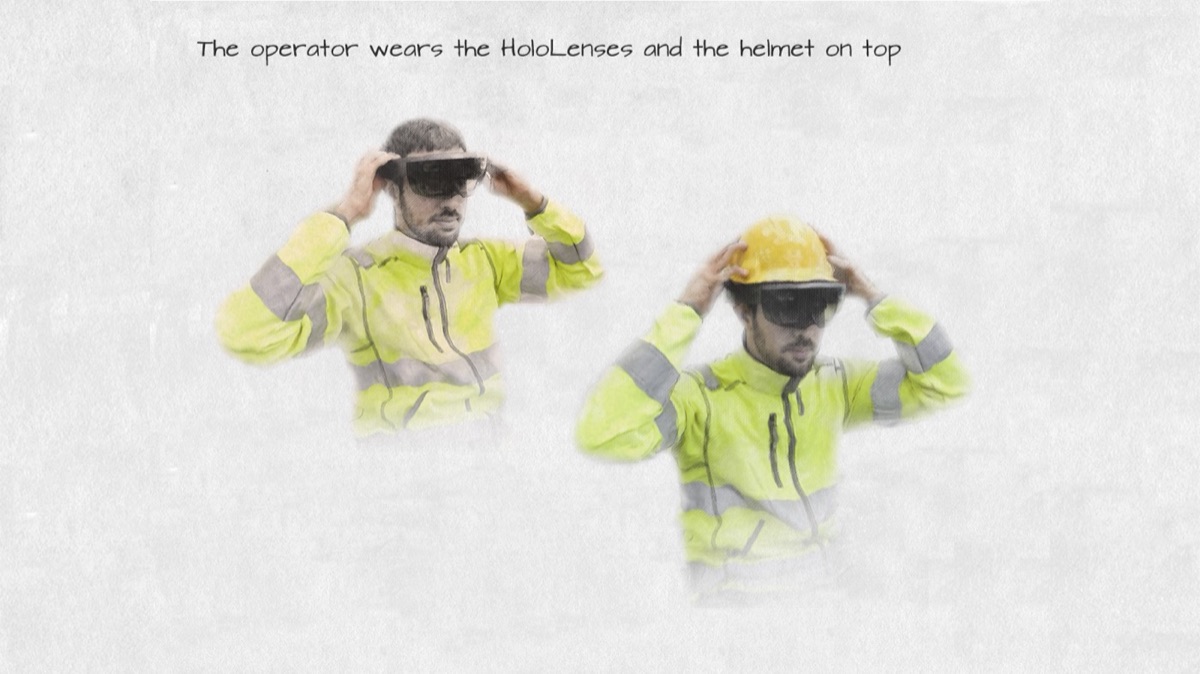
The storyboard follows one operator on a round through the plant. First, the headset goes on, under the safety helmet.
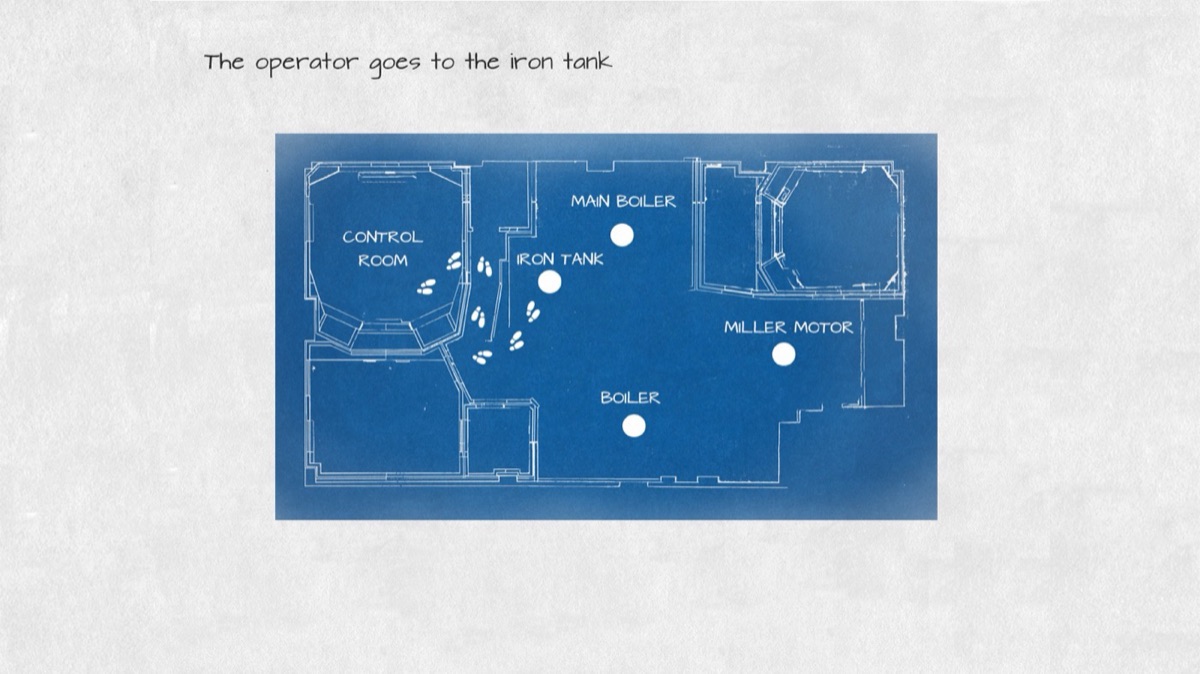
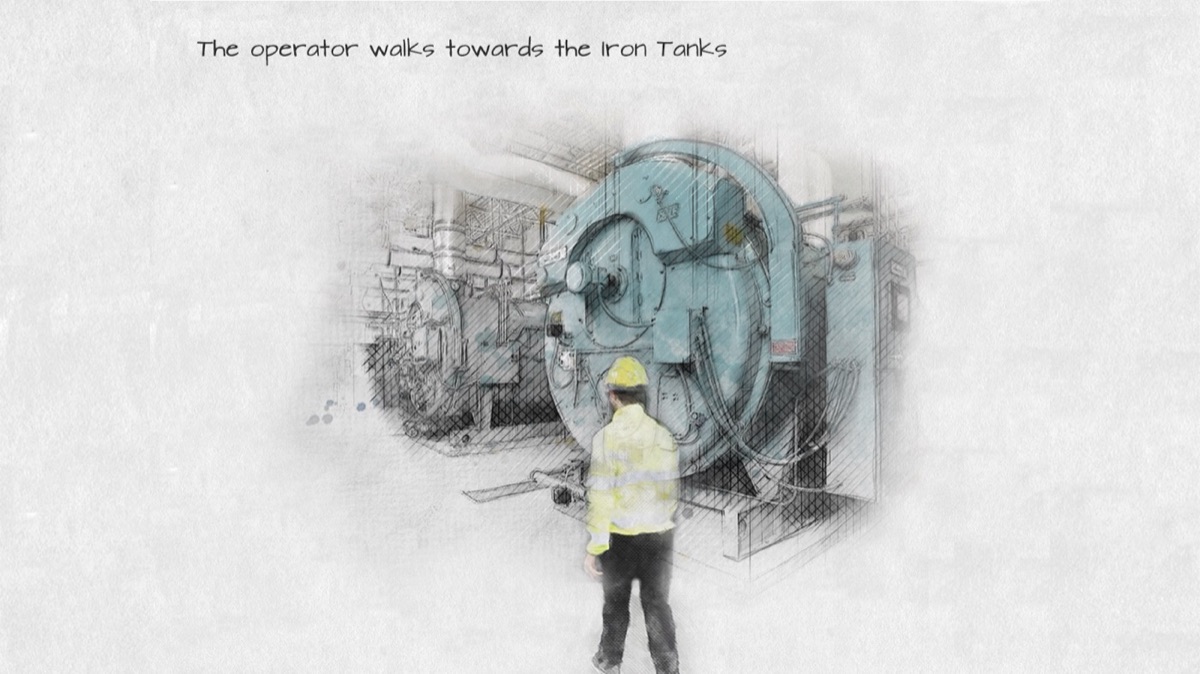
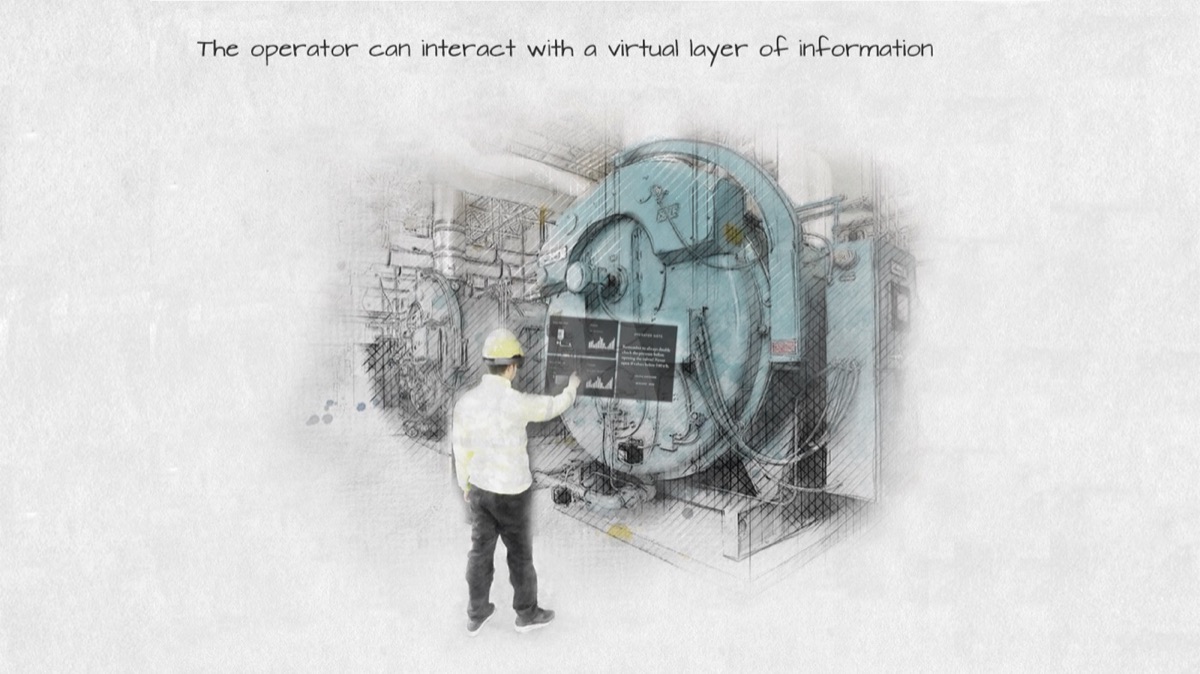
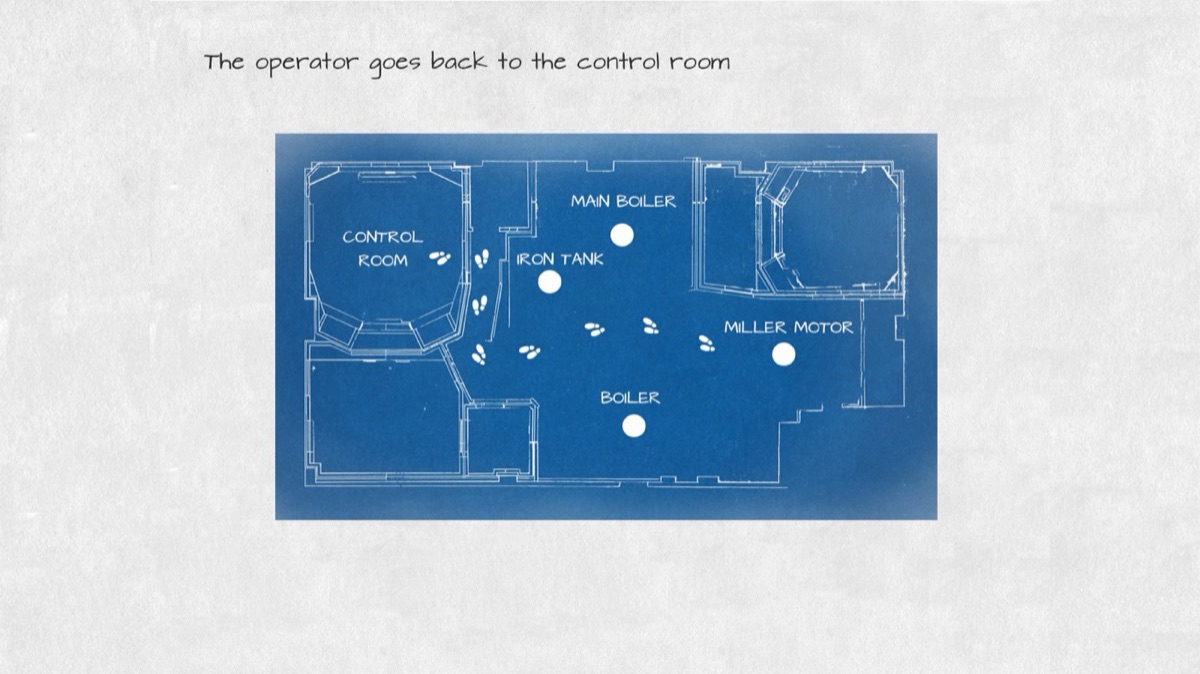
Then the operator leaves the control room and walks to the first machine, the iron tank. As they get close, a virtual layer of information appears on top of it, and they can interact with it with gestures.
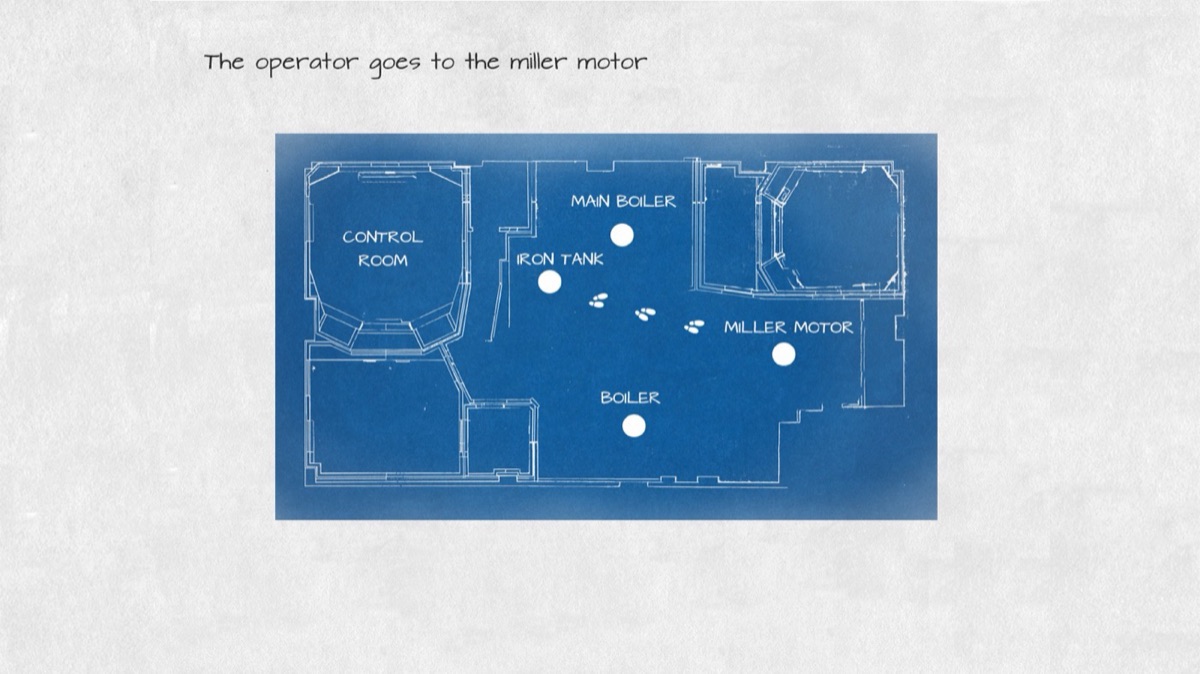
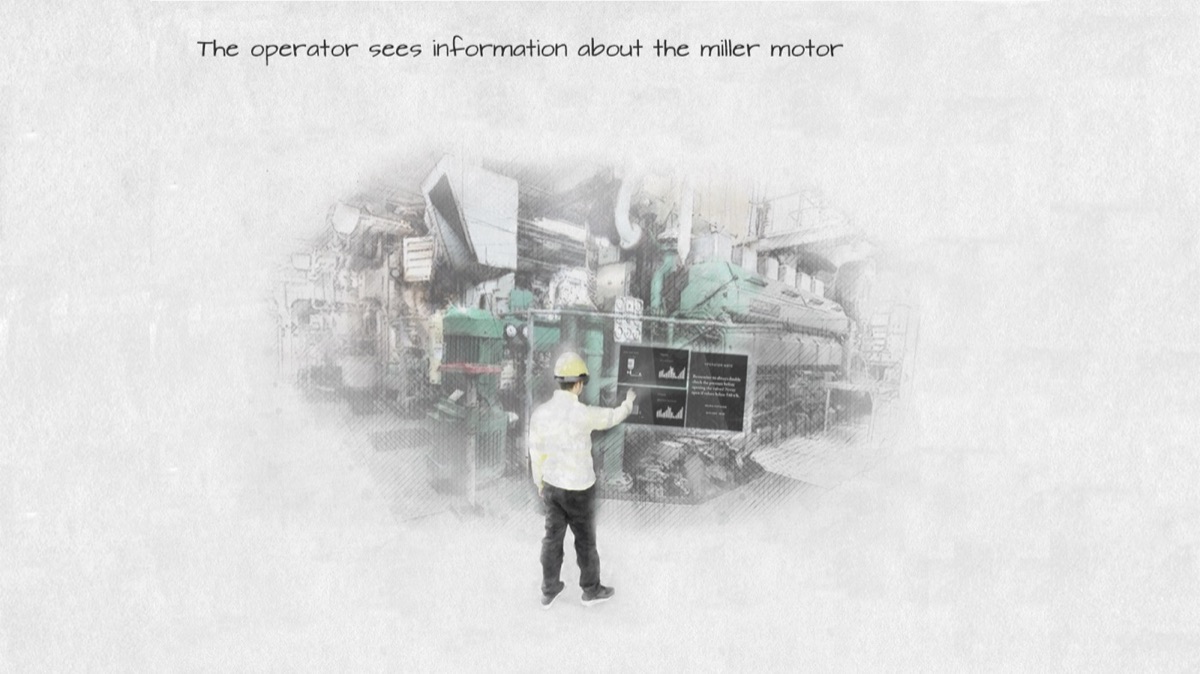
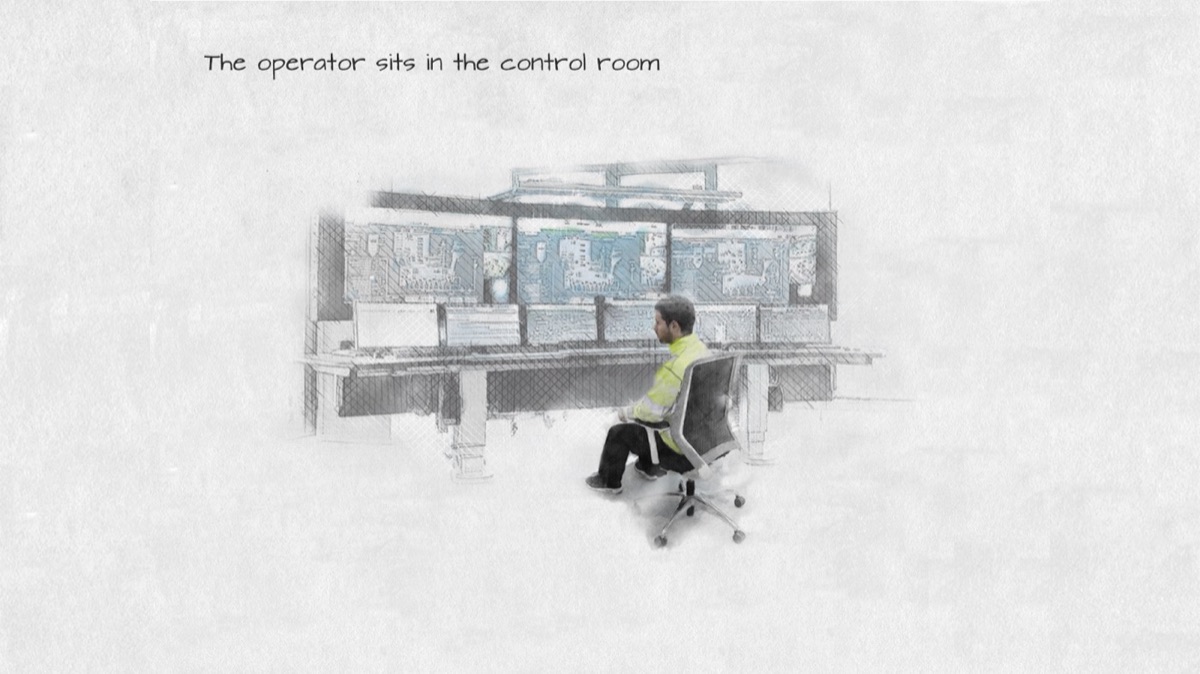
The round continues to the miller motor, where the information changes to the one that belongs to that machine. Finally, the operator goes back to the control room.
Two phases: edit and use
The scenario has two phases. In the edit phase, someone enters an edit mode and places the virtual objects on top of the real equipment. In the use phase, people walk around the factory floor and see the virtual information blend with the real equipment, updated in real time from the servers of the control room.
The prototype
The prototype showed information for machines such as the miller motor and the iron tank. When the user came within three metres of one of them, its information appeared on top of it as text, 2D graphics, 3D models and heat maps. Animations simulated the connection to the servers of the control room, so the data could be seen updating, and the interface was designed to adapt to the environment and stay easy to read.
A voice command opened the edit mode. With gestures, the user could then move each piece of information to where they wanted it, and the new place was saved for the next time. Safety reminders appeared depending on where the user was.
What the factory taught me
From the first visit to the factory, I knew conditions were not ideal: it was too noisy for voice commands, and the gloves were too big for gestures. I built the prototype anyway, to see how far it could go.
The HoloLens’ spatial mapping turned out to be the most interesting part. It let the application react to where the operator was in the factory: a reminder of the special equipment needed when someone entered a restricted area, or an evacuation route, showing where other operators were, in case of an alarm.
Gestures and voice commands were appreciated too. With a phone or a computer, you cannot carry out maintenance with your hands while holding the device.
Sharing it
I presented the concept to several manufacturing companies in Sweden, to gather feedback and new ideas. For one of them, I made a short demo that explored how visualising radiation could help operators. The question I brought to every meeting was the same: which use cases could make a real difference to the safety, efficiency and motivation of industrial workers?
The pre-study was meant to open a bigger follow-up project on safety, effectiveness, visualisation and engagement.